
Game day
Keeping score during the game
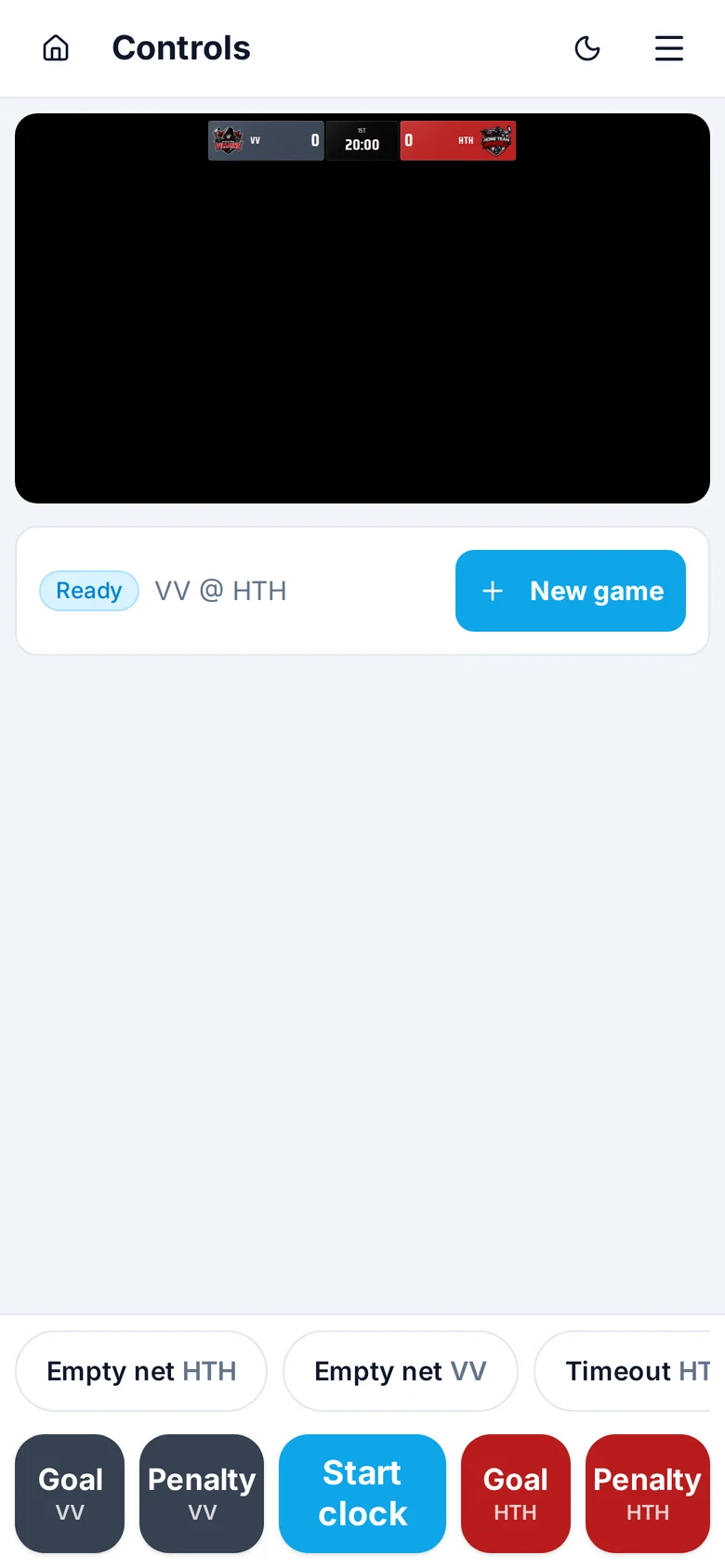
Everything happens on one screen. The buttons you need mid-play are big and at the bottom, where your thumb already is.
Goals
Tap the Goal button for the team that scored. The score goes up straight away and a goal graphic plays on the stream.
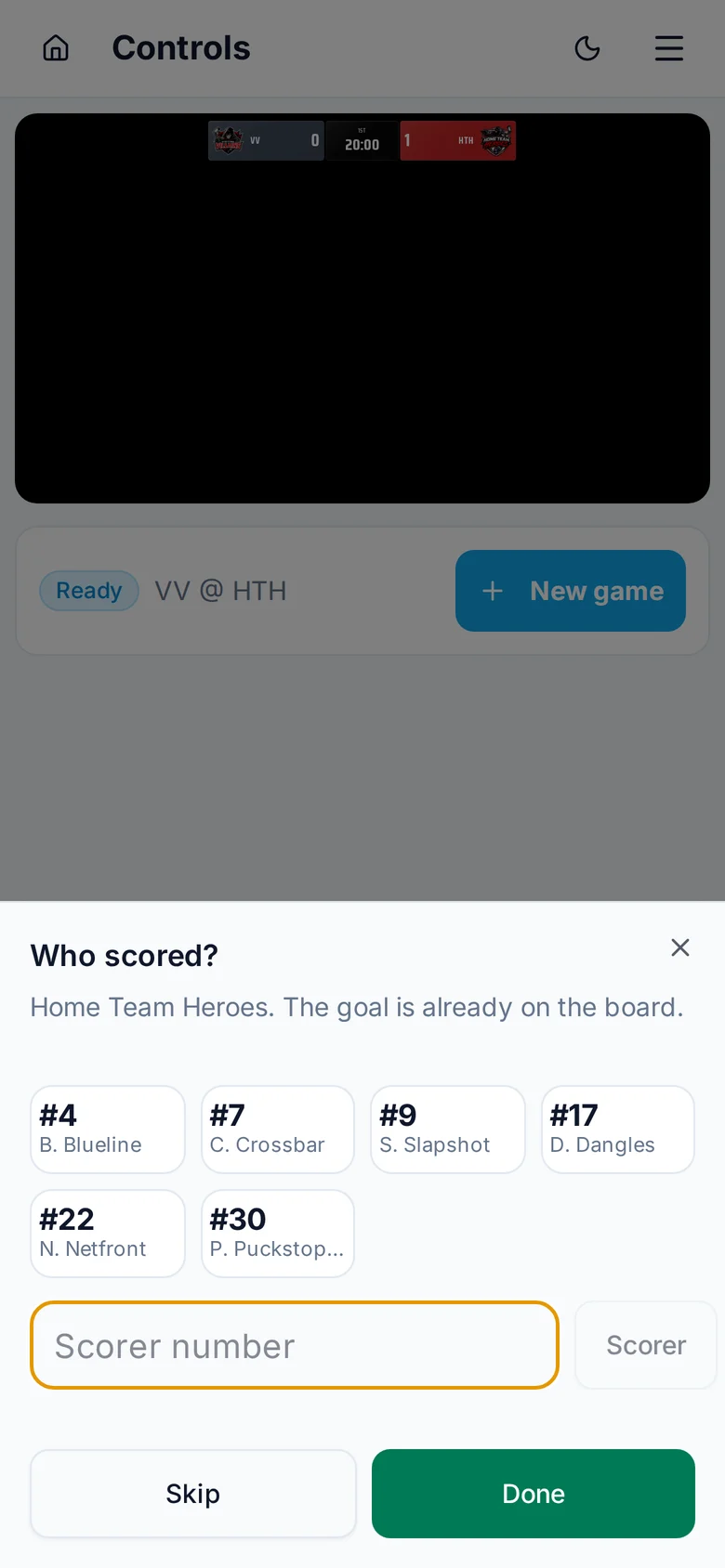
The clock stops and a Who scored? sheet slides up. If you know, tap the scorer (or type their number), then up to two assists, and tap Done. With a roster set up, the goal graphic shows the scorer's name and photo. Don't know yet? Tap Skip. The goal and its graphic show on the stream when you tap Done or Skip. Tapped Goal by mistake? Tap Cancel and nothing is recorded.
Got it wrong? Tap Undo right after, or tap the scoreboard at the top and choose Set score.
Penalties
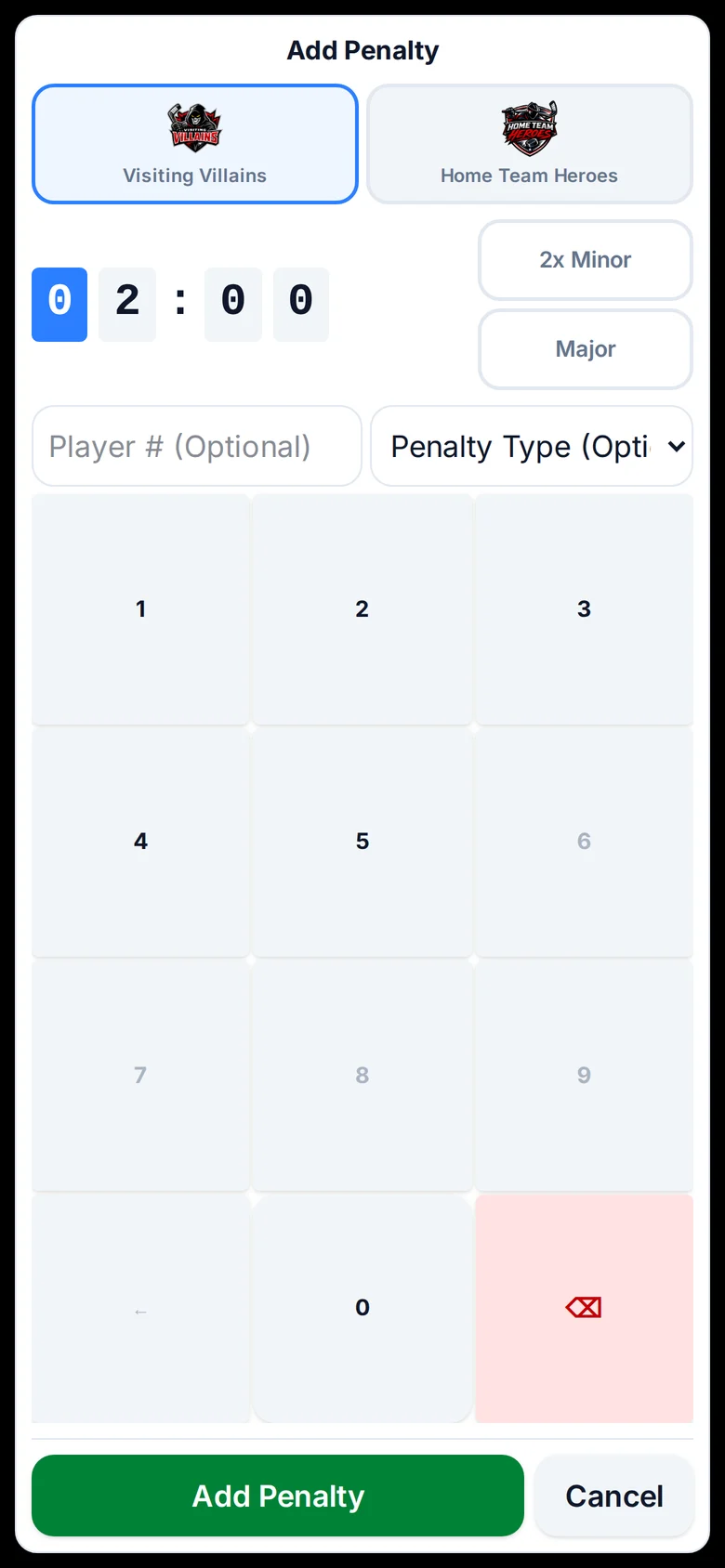
Tap the Penalty button for the team that was penalized. The time starts at 2:00; tap 2x Minor or Major, or type another time. The player number and penalty type are optional.
The stream shows a penalty graphic, and the scoreboard shows the power play with its own countdown. Penalty time only runs while the game clock is running, and it clears when the time is up. If the other team scores on a minor, the penalty ends early, just like in a real game.
The clock and periods
- Start and Stop run the game clock. The stream's clock follows.
- Tap the time to set it, for example to match the rink clock after a stoppage.
- Use − and + next to the period to fix the period. When time runs out you'll get a button for the next period or intermission.
- At the end, finish the game and the stream shows a final summary.
Starting the next game
When a game is over, open the menu (the panel icon at the top right) and tap New game. Pick the league, the home and away teams and the period lengths, and the scoreboard resets for puck drop. Teams you've played before are in the list, logos and colours included.
Empty net and time outs
Each team has an Empty Net button for when the goalie is pulled, and a Time Out button. Both show on the stream until you turn them off.
Add the controls to your home screen
On a phone, the controls ask if you want to add them to your home screen. Say yes. Next game it opens full screen like an app, straight to your scoreboard, without the browser bars getting in the way.