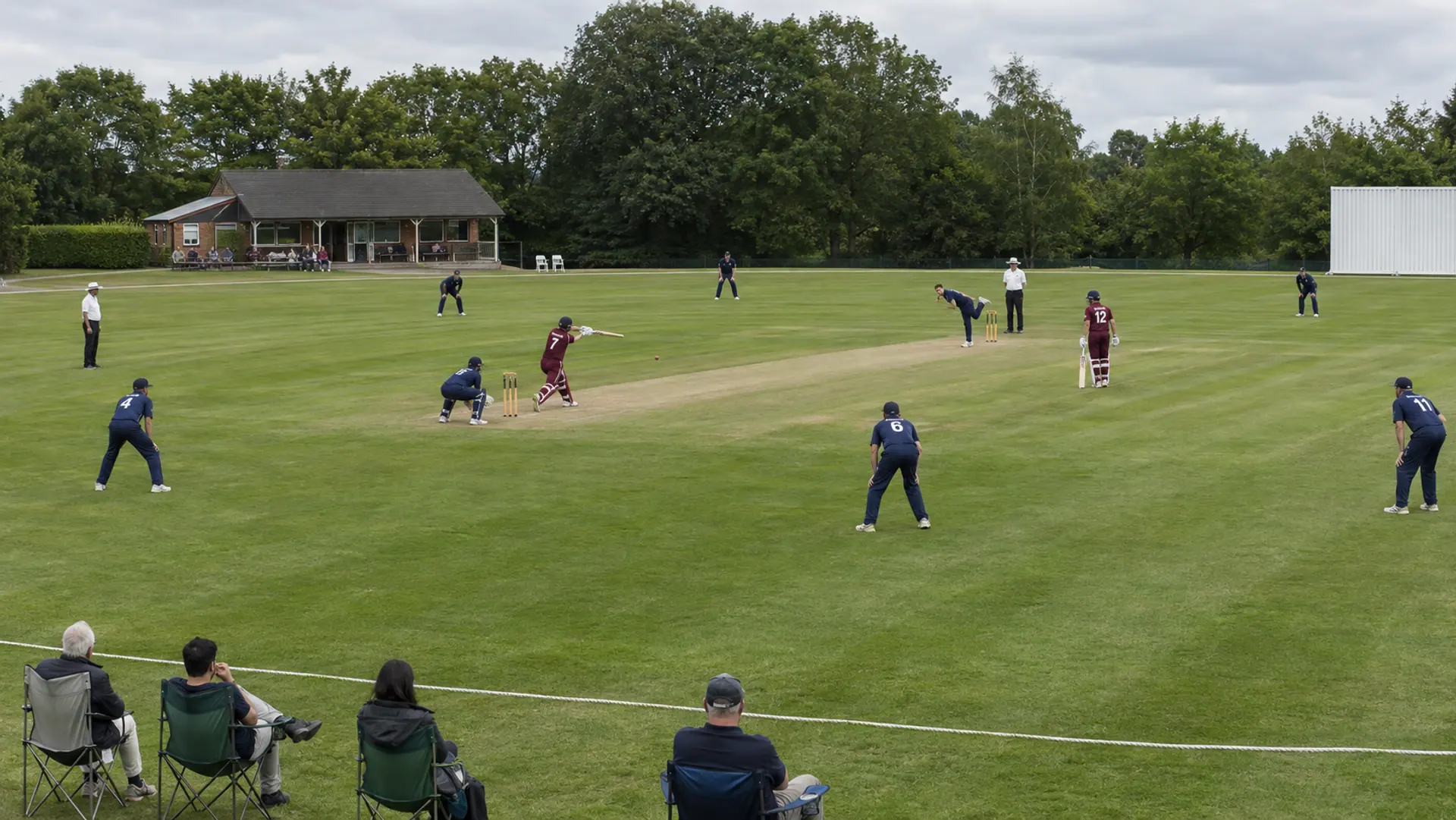
Try cricket scoring
Tap the team that bats first. Then one tap per ball: Dot, 1, 2, 3, Four or Six. The over count goes on the stream.
Tap anything on the phone to keep going.
Looks for cricket
Every look is free. Tap one to watch a whole game go by in it.
Graphics that look like TV
They come from the taps you already make. No extra buttons, no "show graphic" step.
- Four and Six
- Wicket
- Innings break
- Target for the chase
Made for cricket
Not a generic scoreboard with new labels. The controls and the scorebug fit how cricket is played.
- Dot, 1, 2, 3, Four and Six are one tap each
- Wide and No ball add the extra run and don't count as a ball
- Wicket, run out, byes and leg byes
- Target and runs needed for the second innings
Set up in about five minutes
Pick a look
Choose a scoreboard style made for cricket. Add your team colors and logos, or start with the demo teams.
Add one link to your stream app
Paste it into Streamlabs, OBS, PRISM, vMix or Ecamm Live as a browser or web overlay source.
Keep score from a phone
Yours, or a helper's at the ground. Big buttons, nothing to install, and graphics that play by themselves.
Film the game. Someone else can keep score.
Hand the scoring to a helper
Send the controls link to another parent at the ground. They keep score from their own phone with no account or app, and you keep the camera on the play.
Or run it all yourself
Put the camera on a tripod and keep score from the phone in your hand. One tap, then back to watching the game.
Cricket is in early access
It's open to every account today. Tell us what's missing and we'll keep polishing it.
Cricket scoreboard questions
Is Cricket ready to use?
Cricket is in early access. It is open to every account today: sign up, pick cricket for your scoreboard and try it. Tell us what is missing and we will keep polishing it.
Does a wide count as a ball?
No. A wide or a no ball adds a run and the ball is bowled again. Gamebug keeps the over count right.
Can someone else keep score while I film?
Yes. Share the controls link with another parent or a helper at the ground. They keep score from their own phone with no account and no app. Or run it all yourself from the phone in your hand.
Which streaming apps does it work with?
Streamlabs Mobile, Streamlabs Desktop, OBS Studio, PRISM Live Studio, vMix and Ecamm Live. Any streaming app that can add a browser or web overlay source works: you paste in one link and the scoreboard sits on top of your video.
Can I use it with the YouTube, Facebook or GameChanger apps?
Those apps can't show overlays. If you stream from your phone, use Streamlabs Mobile instead. It's free and streams to YouTube and Facebook with the scoreboard on screen.